Before attempting to upgrade your subscription, you must first ensure you’ve turned on auto-renewal on the subscription settings page.
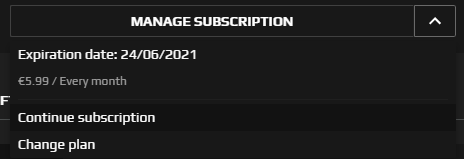
Under ‘manage subscription’, press ‘Continue subscription’ to activate the auto-renewal. You’re then ready to proceed.
You then need to press ‘Upgrade to premium’.

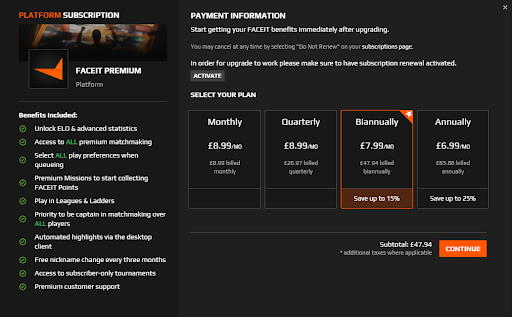
Select the length of the subscription you want to purchase. A discount based on the time remaining of your current subscription will be applied to the total price.
Please note: You may only purchase an upgrade for a subscription of the same length or longer. For example - if your subscription is for six months, you shall only be able to purchase a premium subscription for six or 12 months.
Select your payment method and complete the payment.
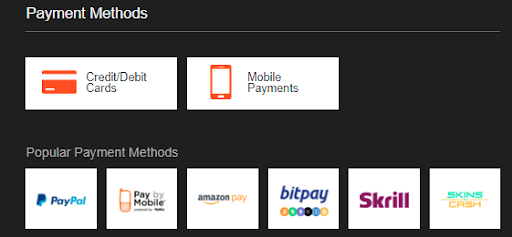
For a full range of payment options, please contact our payment liaison company Xsolla for more information.
Your account should now display an active premium subscription if payment was successful.